What is SNMP Plug-in
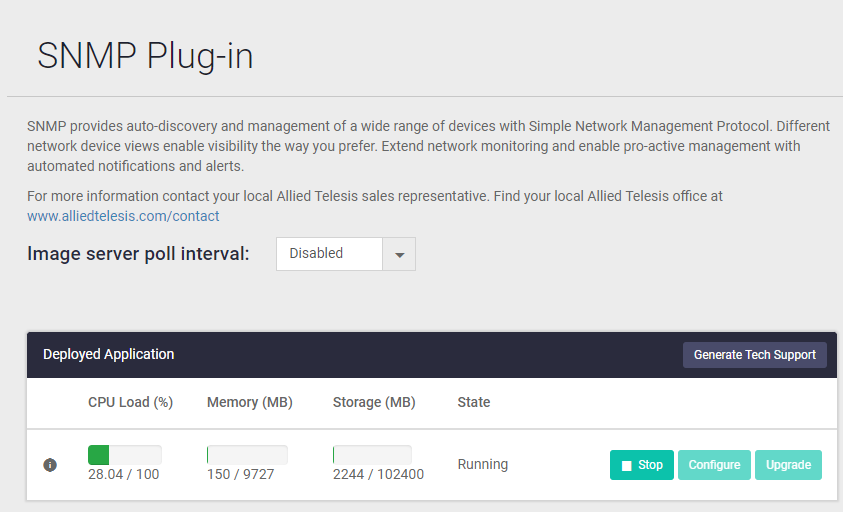
SNMP Plug-in is a network management application based on Simple Network Management Protocol (SNMP).
With SNMP Plug-in, you can manage your network efficiently because most intelligent network devices support SNMP.
With SNMP Plug-in, in addition to the AMF Network that can be managed by the Vista Manager application, AMF Network devices and non-AMF Network devices that use SNMP can be displayed and managed on the Network Map.
Support Limits
Number of devices which can be monitored by SNMP Plug-in is as follows.NoteThe above shows the maximum number that can be managed by SNMP Plug-in. Depending on other plug-ins and devices, if you register many monitoring devices, you may not be able to achieve sufficient performance.
- Monitored Devices
1000 units
Note
The maximum number may vary depending on other plug-ins and devices, so please also check the documents posted on our website.
Note
Set the subnet to a value larger than the 22-bit mask (255.255.252.0) (set the number of IP addresses to be 1,024 or less).
Example:
22-bit mask (255.255.252.0), Number of IP addresses: 1,024
23-bit mask (255.255.254.0), Number of IP addresses: 512
24-bit mask (255.255.255.0), Number of IP addresses: 256
Account Types
SNMP Plug-in shares the account database with Vista Manager EX and other plugins.| Type | Overview |
|---|---|
| Admin | Can use all SNMP management functions. View/Create/Edit/Delete Node Information, Run Subnet Auto Discovery, View/Create/Edit/Delete User Account and View System Version |
| User | Can use limited set of SNMP management functions. View Node Information and Run Subnet Auto Discovery |
Products required to use SNMP Plug-in
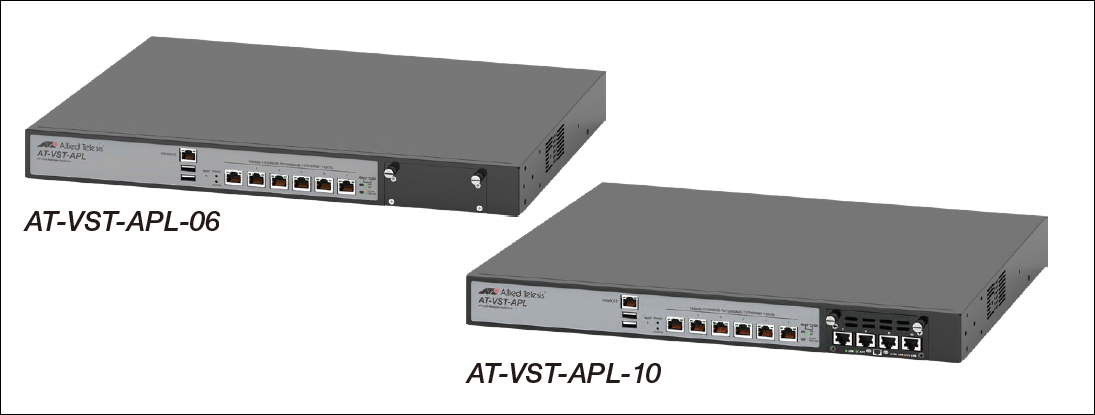
Describes the appliance box body and each application version, documents to be referenced, restrictions, etc. required to use SNMP Plug-in.Appliance box body
Product name, version, reference document
| Product name | AT-VST-APL-06 AT-VST-APL-10 |
| Firmware Version | 1.6.1 |
| Documents | Documents related to VST-APL series |
Limitations
- If you are using AT-VST-APL software version 1.5.1 or earlier, you need to upgrade to software version 1.6.1. For the upgrade procedure, see the document posted on our website.
- The SNMP Plug-in cannot be used concurrently with the Trap Receiver application. To use the SNMP Plug-in, stop the Trap Receiver application on AT-VST-APL.
Vista Manager
SNMP Plug-in that runs on VST-APL can only work with the Vista Manager application running on the same VST-APL. It cannot be linked with the software version of Vista Manager EX.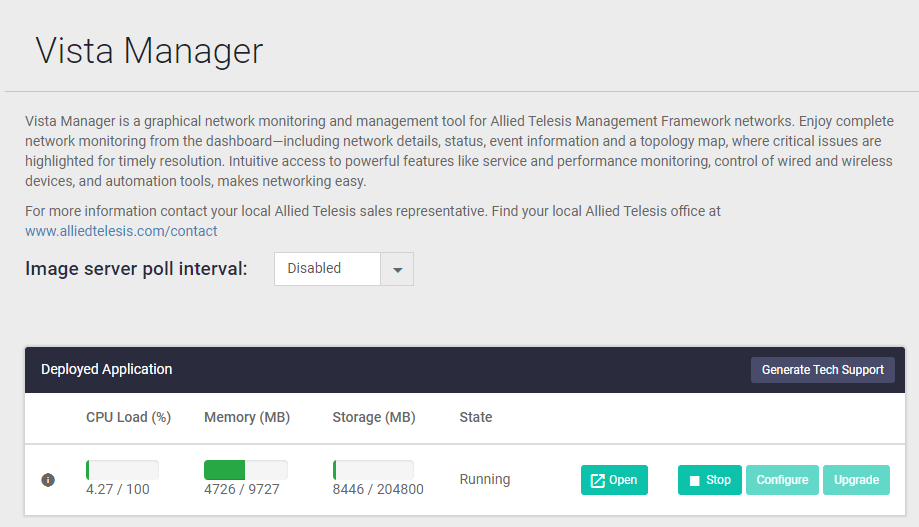
Product name, version, reference document
| Product name | Vista Manager EX |
| Software version | 3.9.0 |
| Documents | Vista Manager EX documentation |
19 Apr 2023 14:10