Status Monitor
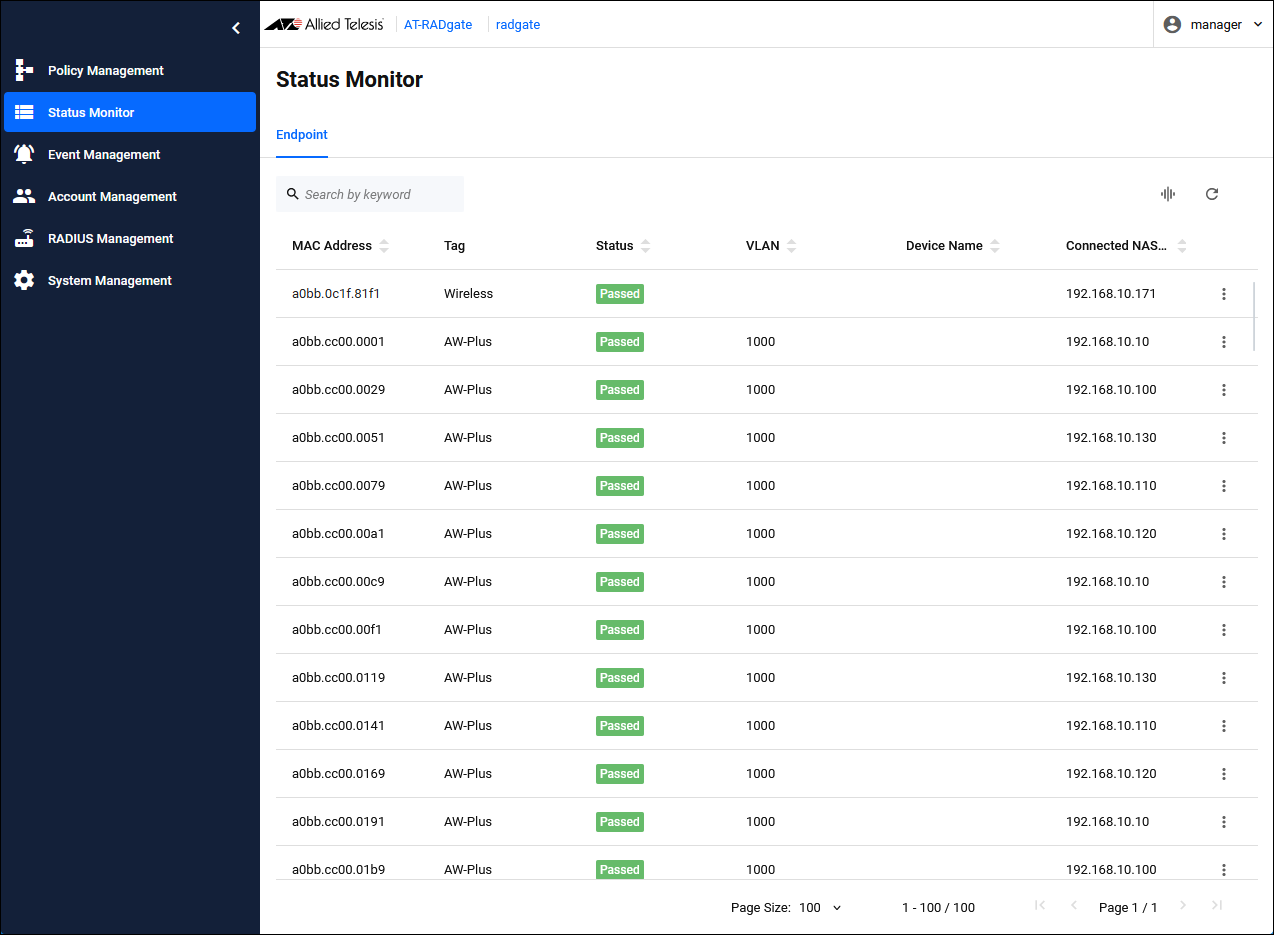
The "Status Monitor" page manages the status of devices that have undergone authentication processing by AT-RADgate.
Endpoint
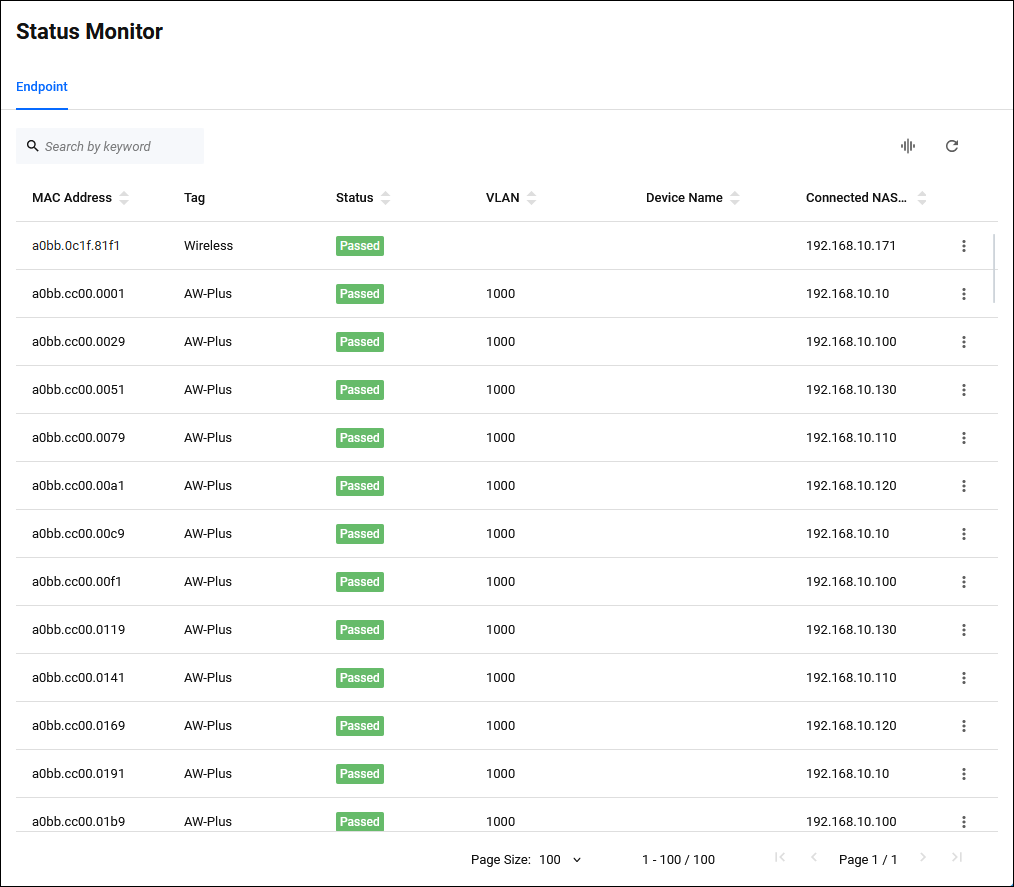
Status Monitor > EndpointA list of the status of devices authenticated by AT-RADgate is displayed. This page is provided for the purpose of managing endpoints authenticated by the port authentication function of the AW+ device, and any other operations are not supported.
The device status displayed on this page has the following restrictions.
- Only devices that have been authenticated via a NAS that has been assigned a "NAS Profile" with endpoint authentication enabled is displayed.
- If the RADIUS Accounting settings are not enabled on the NAS, devices that have already left the network continue to be displayed because the device disconnection cannot be detected.
- If RADIUS Accounting packets are lost on the network, endpoints that have already left the network may continue to be displayed.
- If the NAS is restarted, devices connected to it continue to be displayed.
| Item Name | Display | Search | Sort | Description |
|---|---|---|---|---|
| MAC Address | × | × | × | The endpoint's MAC Address. |
| Tag | × | − | − | The tag assigned to the endpoint. |
| Status | × | × | × | The status of the device. |
| VLAN | × | − | × | The destination VLAN. |
| Device Name | × | × | × | The device name of the device. |
| Connected NAS IP Address | × | × | × | If authentication is performed via a NAS, the IP Address of the NAS is displayed. |
| Button Name | Description |
|---|---|
 Manage Columns |
Changes the visibility of each column in the table. |
 Reload |
Reloads the device status list. |
| Button Name | Description |
|---|---|
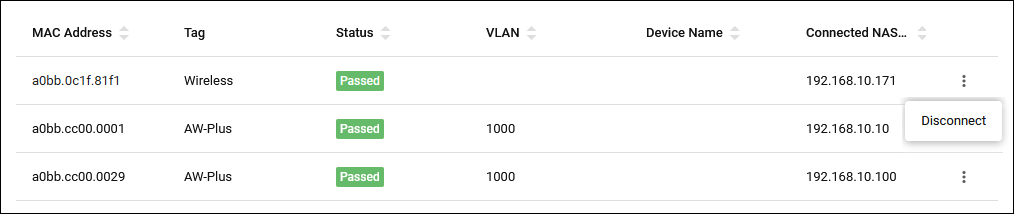
| Disconnect | Send a disconnection request to the NAS. |
03 Jul 2025 16:04