Settings
You can display the version information of the SNMP Plug-in, and back up and restore the settings.
NoteThis page is only accessible by Administrator accounts.
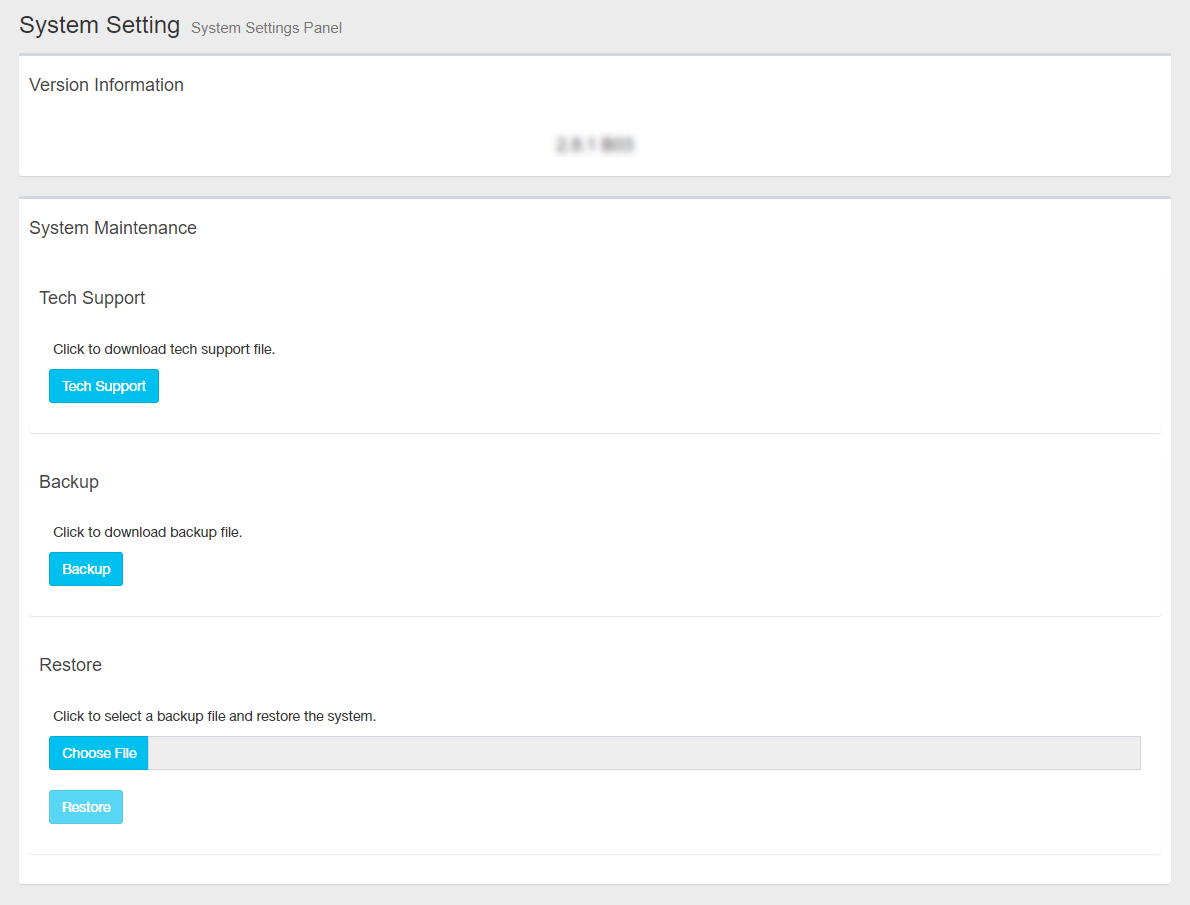
Version Information
Displays the version information (version, build number) of SNMP Plug-in.
System Management
You can back up and restore your settings.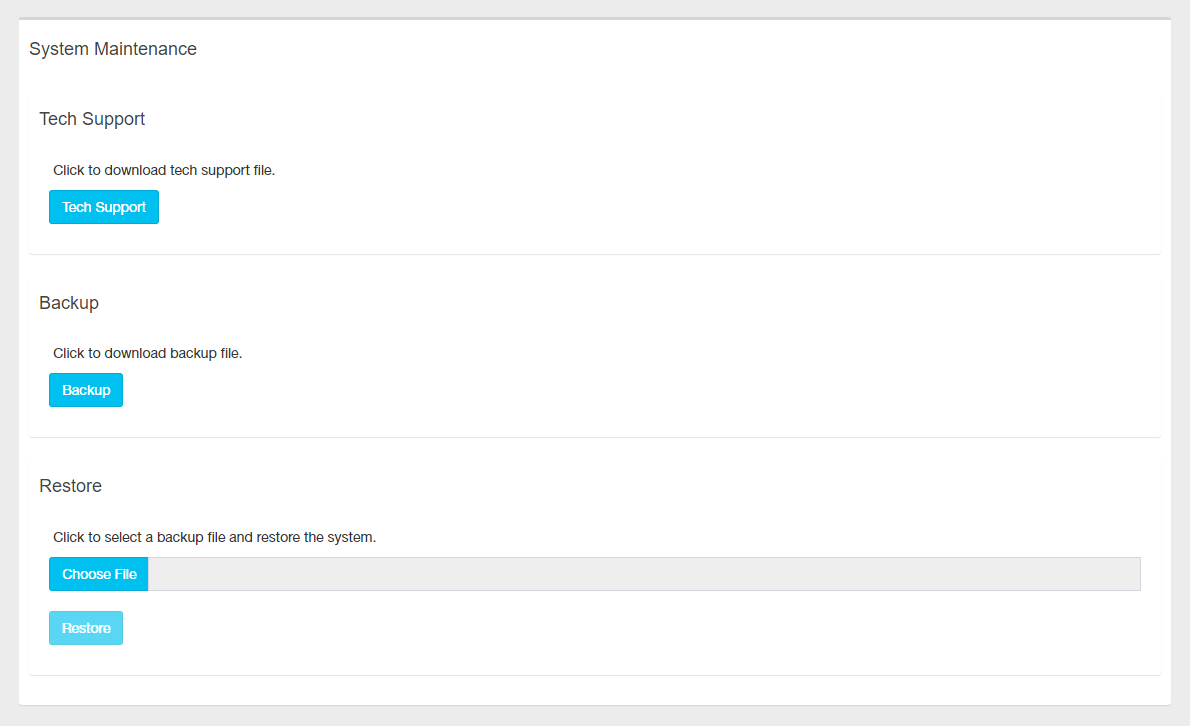
| Item Name | Description |
|---|---|
| Technical Support | |
| "Technical Support" button | The file for technical support is output. This is intended for cases where it is necessary to check internal information, such as when troubleshooting, so please contact us before using it. |
| Backup | |
| "Backup" button | Save the current settings as a backup file to an external file. |
| Restore | |
| "Restore" button | Restore the settings from a backup file saved as an external file.NoteIf you restore a backup file obtained with a version earlier than the version you are using, the MIB information will also be overwritten with the older information in the backup file. If you want to use the latest MIB information, compile the relevant MIB again using " MIB Compiler". |
09 Aug 2024 14:10