Apply DCN Profile
After creating the DCN profile and selecting the target wireless APs for the DCN group, apply the DCN profile to the appropriate wireless APs.
Enable AWC-DCN
The DCN profile allows you to switch later whether to optimize the wireless clients within the VAP you have created.Before applying the DCN profile, make sure that wireless client optimization is enabled.
- Select "Wireless Configuration" > "DCN Profile" from the AWC Plug-in menu.
A list of DCN profiles is displayed.
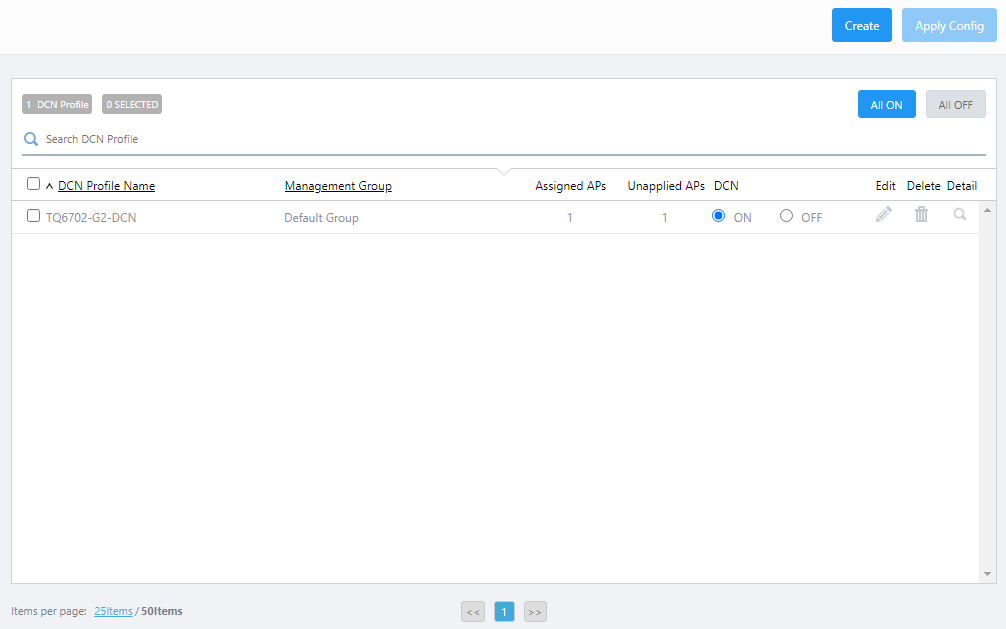
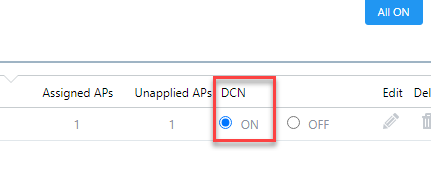
- In the DCN profile list, confirm that the "DCN" radio button in the target DCN profile row is set to "ON".
Apply DCN Profile
For wireless APs to which the AP profile has already been applied, only the necessary changes can be applied from the "DCN Profile" screen.- Check the box to the far left of the target DCN profile row.
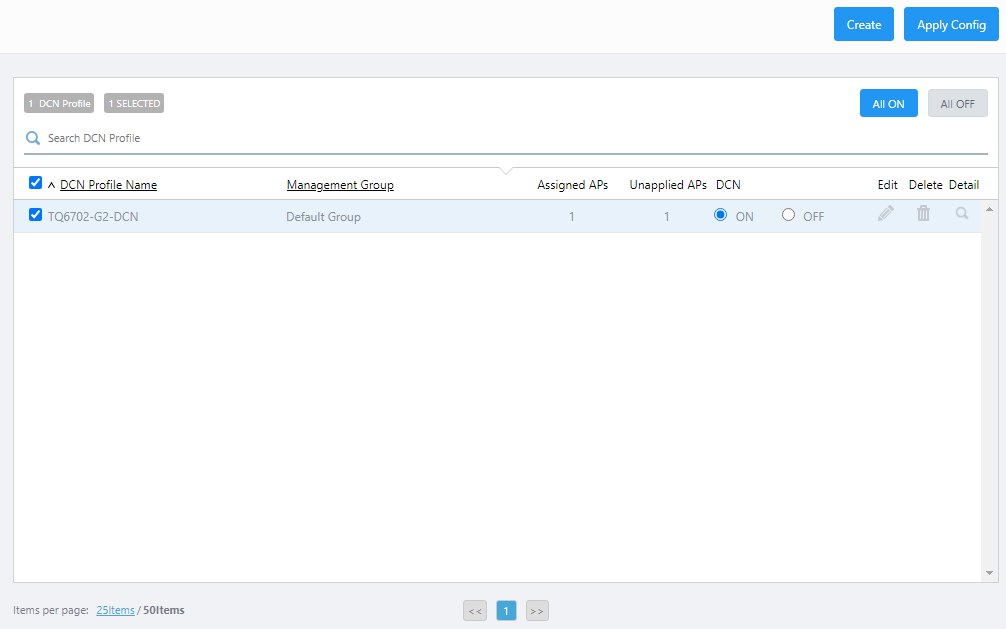
- Click the "Apply Config" button at the top right of the Content section.
The "Apply Configuration" dialog box will appear.
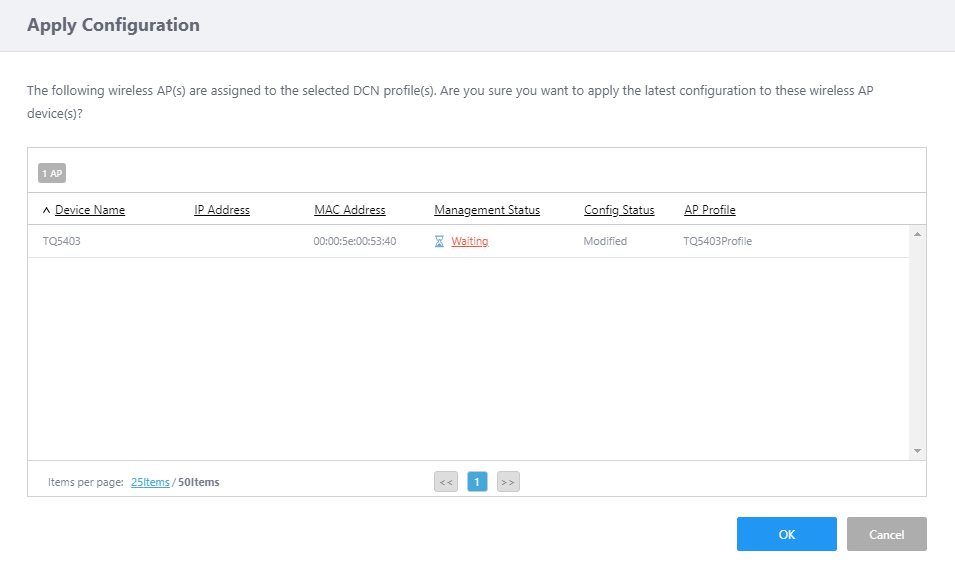
- Check the target APs in the Apply Settings dialog and click the "OK" button if everything is correct.
◼ If AP profile is not applied
If the AP profile is not applied, create the necessary common AP settings. The DCN profile will be applied at the same time as the AP profile assigned to the wireless AP.
Refer to Operation Reference > Wireless Configuration > Change Management Group or AP Profile for AP" > "Change AP Profile (in a batch) for more detail.
29 Apr 2025 11:26