Finishing Configuration
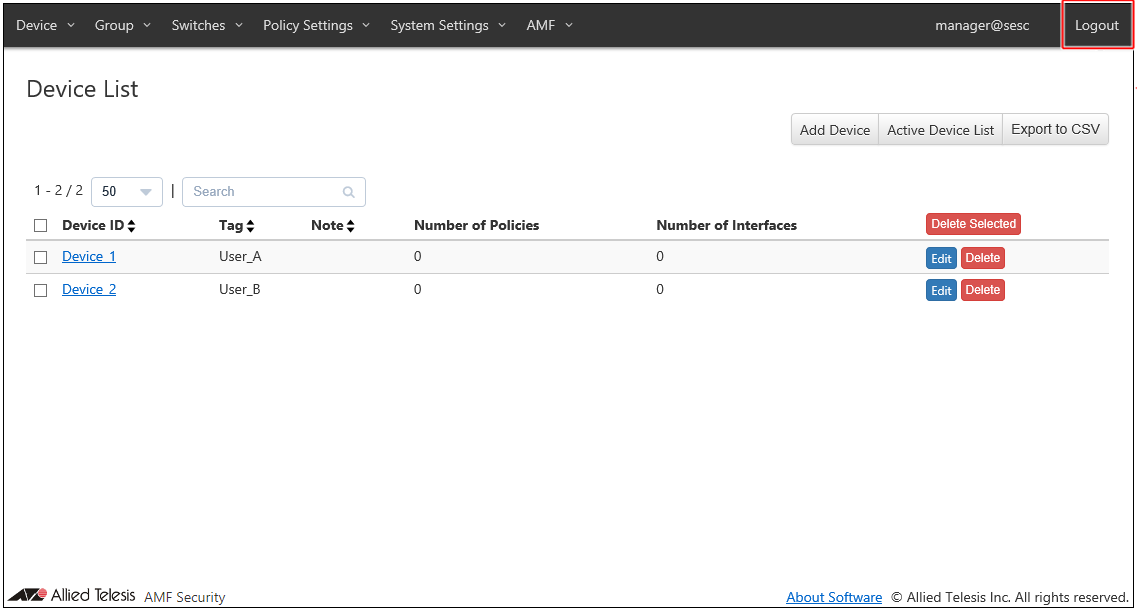
When you finished configurations, click "Logout" at the top right corner of the screen.
You are logged out of the Web setting screen and the login screen is displayed.
NoteA login session times out after 10 minutes of inactivity. The Login screen reappears when you perform any operation after the previous session has timed out.
25 Mar 2021 14:11