What is Trap Receiver
Trap Receiver is a network management application based on Simple Network Management Protocol (SNMP). With Trap Receiver, you can manage your network efficiently because most intelligent network devices support SNMP.
With Trap Receiver, in addition to the AMF Network that can be managed by the Vista Manager application, AMF Network devices and non-AMF Network devices that use SNMP can be displayed and managed on the Network Map.
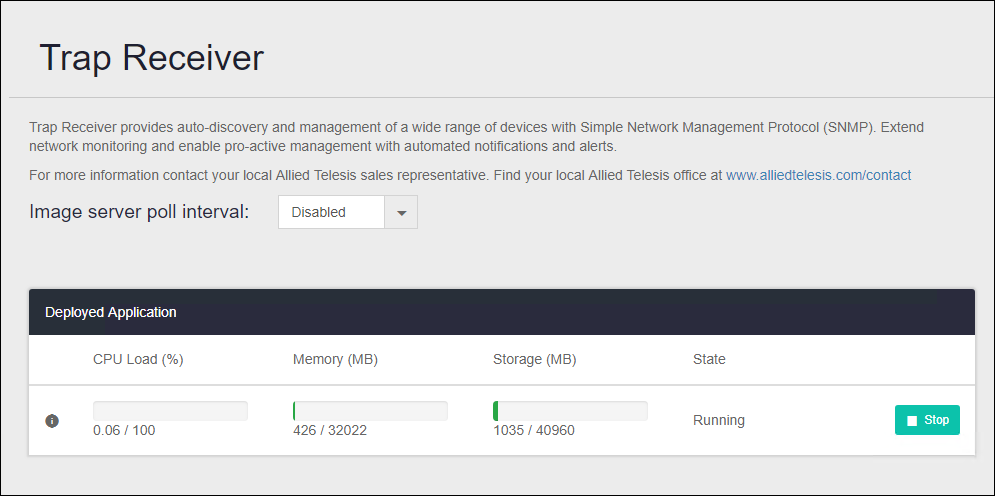
Features available with Trap Receiver
The features available in Trap Receiver are:- Detects SNMP devices and displays them on the Vista Manager Network Map.
Create a subnetwork to discover SNMP devices. Immediately after creating the subnetwork, it starts discovering SNMP devices and updates its status every 10 minutes thereafter.
- Receives SNMP traps and displays them in the Vista Manager Event Log.
The target node for which the trap is displayed in the event log is the node that is detected on the subnet created by Trap Receiver and has the SNMP function enabled.
NoteThe supported functions are different from SNMP Plug-in that runs on the software version of Vista Manager EX.
NoteIt supports different features than the SNMP Plug-in applications supported by VST-VRT firmware version 1.1.1 / 1/2/1.
NoteSupports SNMPv1 and SNMPv2c. SNMPv3 is not supported.
NoteIt is not possible to back up and restore the management data of the SNMP network.
To restore the settings, re-register the managed subnet by following the steps in Quick Tour Add Subnet > Create an SNMP subnet.
Support Limits
The number of monitoring devices that can be managed by Trap Receiver is as follows:- Monitored Devices
1000 units
NoteThe above shows the maximum number that can be managed by Trap Receiver. Depending on your environment, if you register many monitoring devices, you may not be able to achieve sufficient performance.
NoteThe maximum number may vary depending on the application and device configuration, so please also check the documents posted on our website.
NoteSet the subnet to a value larger than the 22-bit mask (255.255.252.0) (set the number of IP addresses to be 1,024 or less).
Example:
22-bit mask (255.255.252.0), Number of IP addresses: 1,024
23-bit mask (255.255.254.0), Number of IP addresses: 512
24-bit mask (255.255.255.0), Number of IP addresses: 256
Products required to use Trap Receiver
Describes VST-VRT and each application version, documents to be referenced, restrictions, etc. required to use Trap Receiver.VST-VRT
Product name, version, reference document
| Product name | VST-VRT |
| Firmware Version | 1.1.1/1.2.1 |
| Documents | VST-VRT User Guide |
Limitations
- It can not be used with the SNMP Plug-in applications supported by VST-VRT firmware version 1.1.1 / 1.2.1. To use Trap Receiver, stop the SNMP Plug-in application on VST-VRT.
Vista Manager
Trap Receiver that runs on VST-VRT can only work with the Vista Manager application running on the same VST-VRT. It cannot be linked with the software version of Vista Manager EX.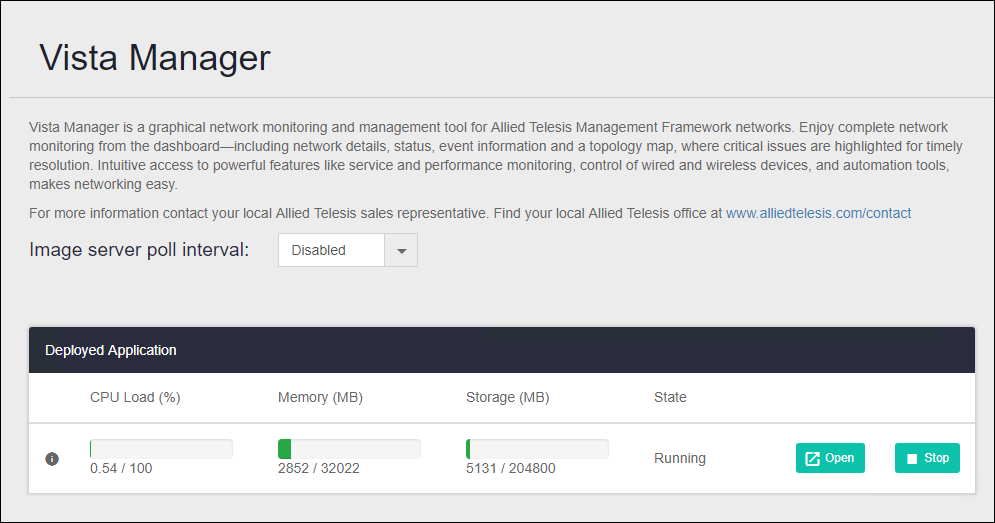
Product name, version, reference document
| Product name | Vista Manager EX |
| Software version | 3.5.0/3.6.0 |
| Documents | Documents related to Vista Manager EX |
Limitations
- Trap Receiver that runs on VST-VRT can be used without a license.
20 Sep 2021 14:30