Finishing Configuration
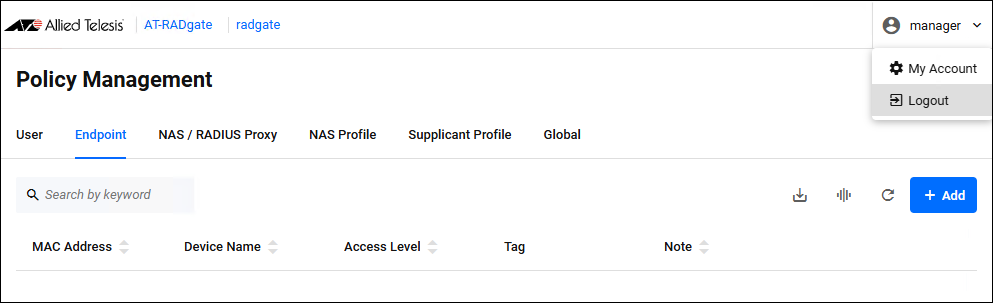
Once you have finished all the settings, click "manager" (or the logged-in user name) in the upper right corner of the page, and click "Logout."
You are logged out of the Web setting page and the Login page is displayed.
NoteA login session times out after 10 minutes of inactivity. The Login page reappears when you perform any operation after the previous session has timed out.
If you check "Remember this login" on the AT-RADgate Login page, you remain logged in.
01 Oct 2025 12:51